
Validate existing camera coverage.
Start with the camera model and an accessible, supported IP-camera stream, including RTSP where configured. Validate field of view, capture distance, lighting, resolution, network capacity and processing requirements at the site. Check entry and exit direction and test stream interruption and reconnection.
Mindbox in-house entrance test
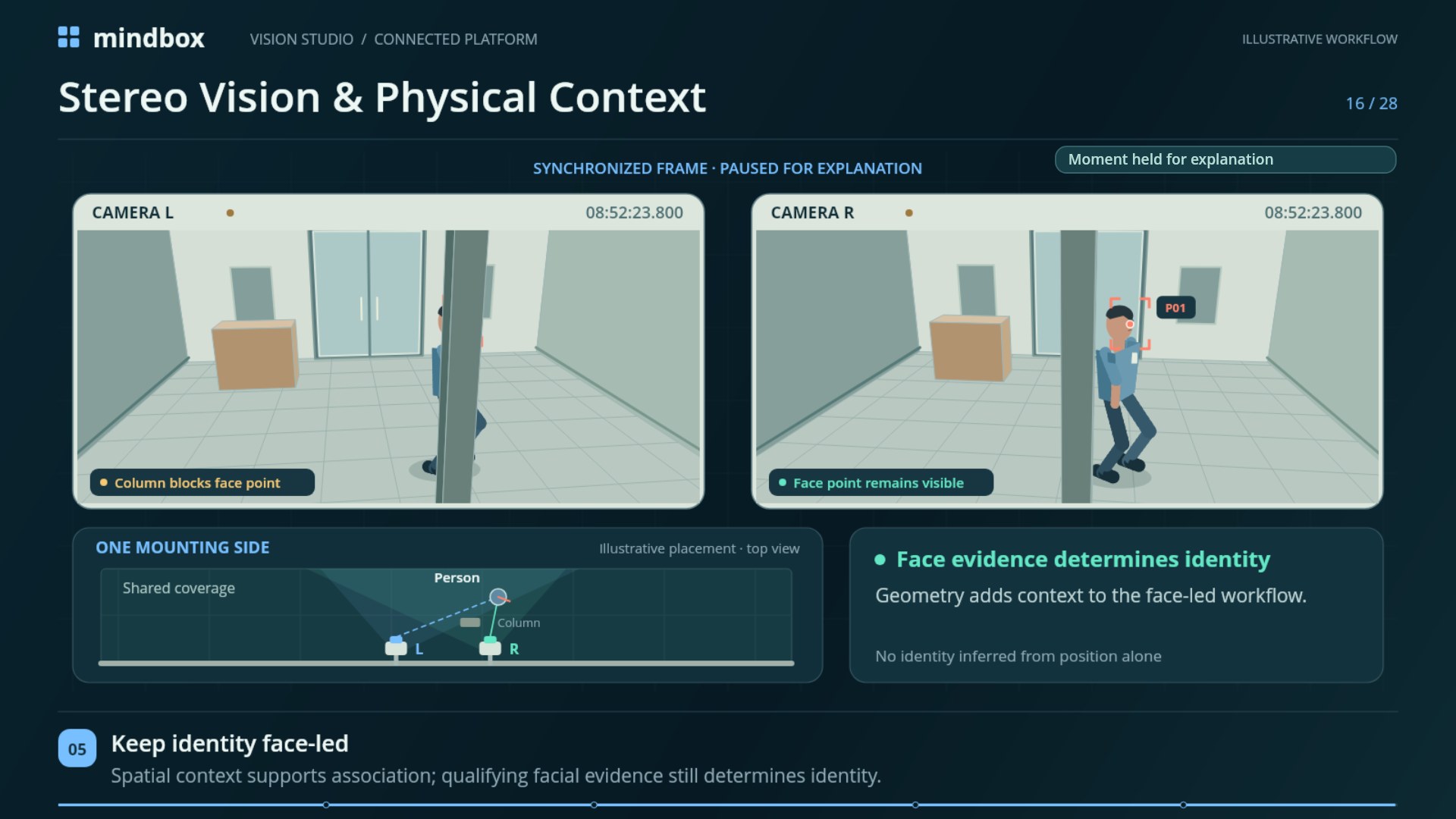
Real-time stereo processing, with the test conditions in view.
- 30 fps
- Real-time video processing
- 2 cameras
- Stereo pair on one side of an entrance
- 5 people
- Walking through the scene during the test
Mindbox also verified a 25 ms processing time for one frame in this setup. A frame can contain one or several faces. Frame-processing time and video frame rate describe separate observations from the test.
Use a customer-site pilot to measure attendance outcomes and entrance throughput with your camera placement, lighting, staff flow, network and processing hardware.
Give each team something concrete to test.
Use comparable baseline and pilot arrival windows. Agree on the qualifying passages and expected attendance events before the pilot.
- Measure people per minute, queue wait and the entrance layout.
- Compare correct records, missed events and false matches against the observed passages.
- Record the share of events needing manual review and the time spent resolving them.
- Keep the camera, stream, network and processing configuration with the results.
- Operations
- Measure arrival volume, queue wait and throughput with the actual entrance layout.
- HR
- Compare qualifying passages with correct records, missed check-ins and manual corrections.
- IT
- Check stream support, recording availability, infrastructure and integration scope.
- Security
- Define camera areas, authorized review and procedures for uncertain matches.
- Finance
- Compare operating costs using measured waiting time and review effort.