
Start with the right camera input.
Validate supported IP camera streams, including RTSP where configured. Test image quality, lighting, angle, capture distance and coverage at the entrance or area before expanding.
Camera Deployment & Pilot
Use a representative arrival period and compare the records against a measured baseline.
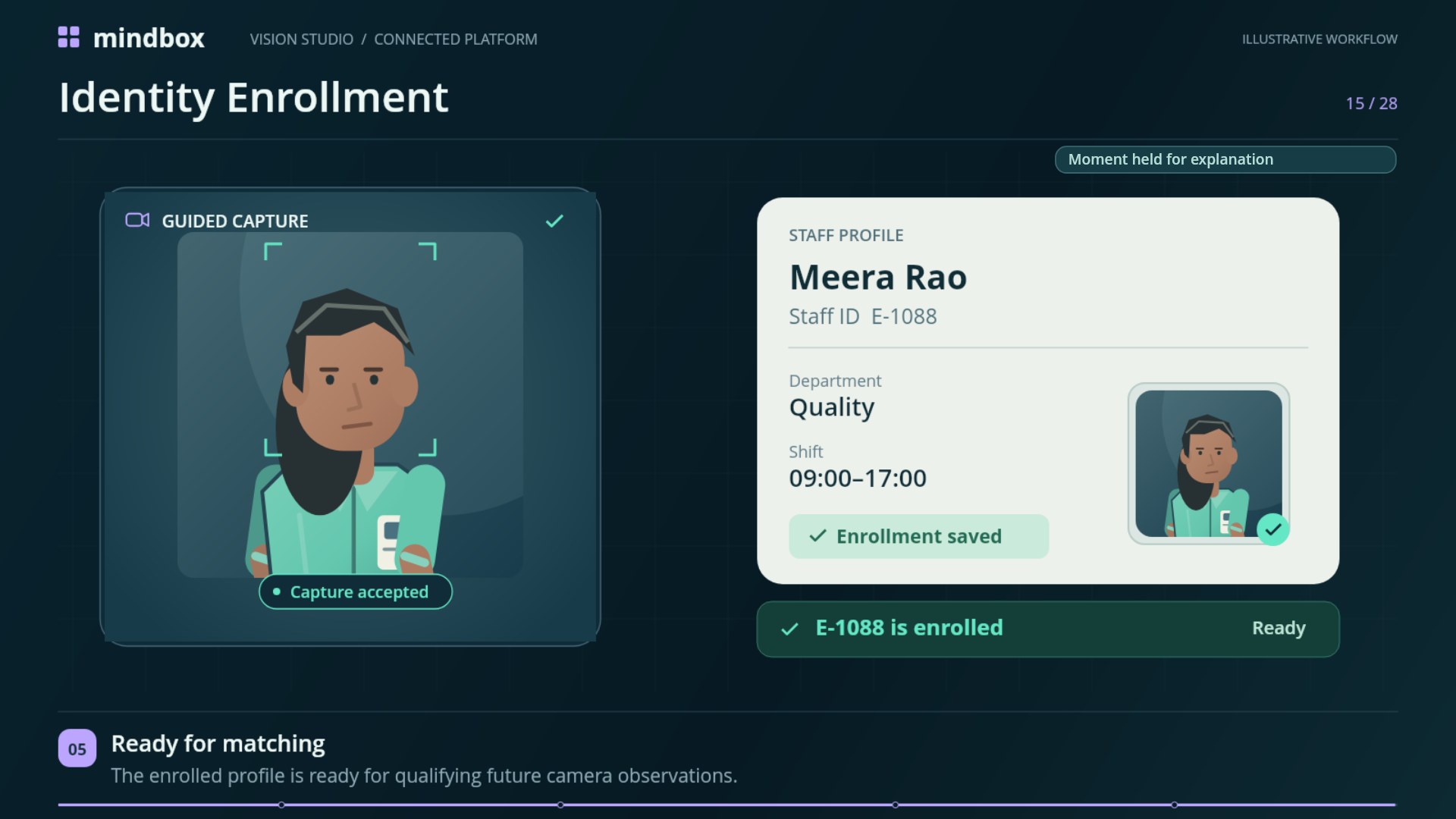
Set up enrollment and event review.
Compare qualifying observations with enrolled staff records. Assign an authorized reviewer to investigate uncertain events, consider available snapshots or recording context, and handle corrections.
Free-Flow Attendance
See how qualifying camera observations become staff check-in and check-out events.
Privacy & Responsible Use
Plan enrollment scope, access, retention and correction procedures.
Discuss your integration scope.
List the camera models, expected stream format and the systems that need to exchange staff, shift or event information. Configured HROne deployments can sync staff and shift data into Mindbox. Confirm supported data flows with the deployment team.
Camera and HR integrations
Review the current guide for deployment options and constraints.