
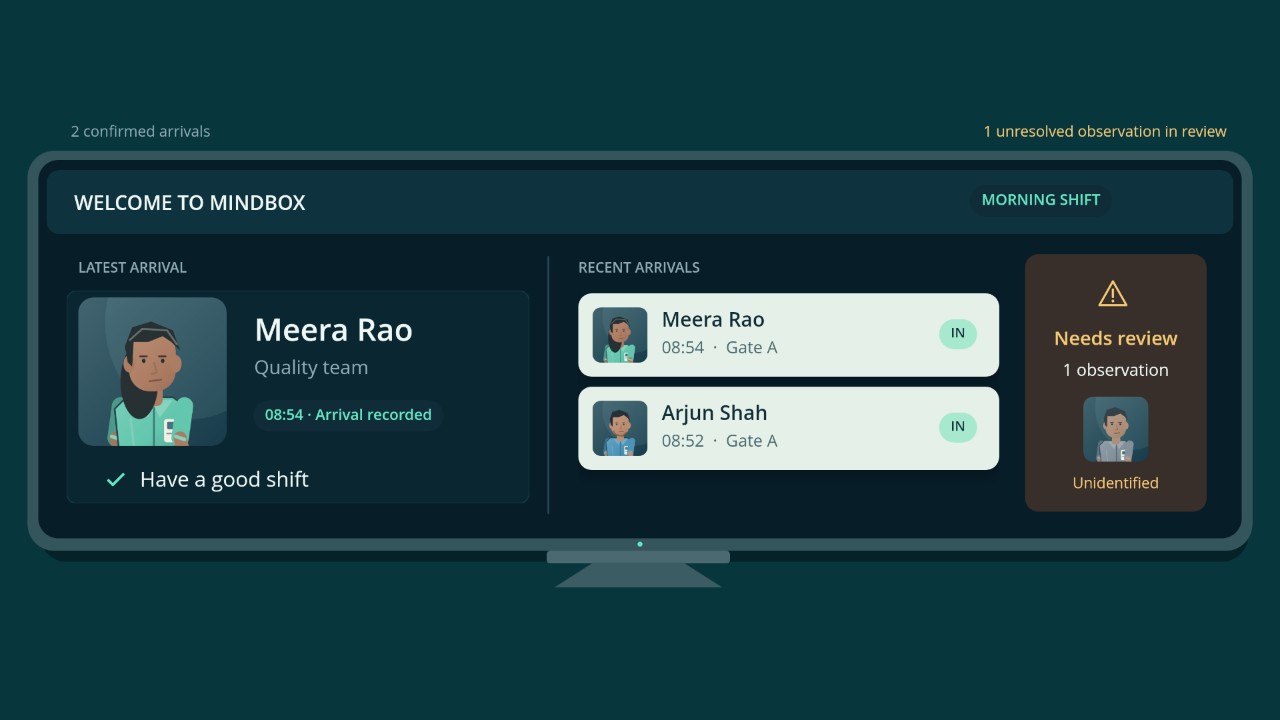
Start with attendance and shift progress.
Use Dashboard Summary to see attendance totals, logged hours, breaks, and check-in exceptions. In Employee Analytics, compare projected and present staff by department or shift.
Analytics & Exceptions
See how a shift-level difference can lead to a record that needs review.
Shift Time & Overtime
Review recorded hours against the assigned shift and see how calculated overtime reports are used where enabled.
Open the record that needs attention.
Use the attendance register to review recorded in and out times, assigned shifts, and attendance status. Smart Attendance shows the first and last detections and detection count for the staff record. HR Approval shows pending, approved, and rejected requests.
Free-Flow Attendance
Follow a check-in from the entrance to the attendance record.
Attendance Review
See an illustrative review of a missing check-in.
Find the camera context for a review.
An authorized reviewer can search recorded sightings by enrolled staff member, configured area, and time window. Movement History places available sightings in time order.
Forensic Search
Try narrowing a set of staged search results by time and camera area.
Movement History
Follow an example sequence across covered areas.